
Current Moonlight Peaks Switch and Switch 2 update status, how to check your version, PC patch 1.1.45, platforms, requirements, and performance.
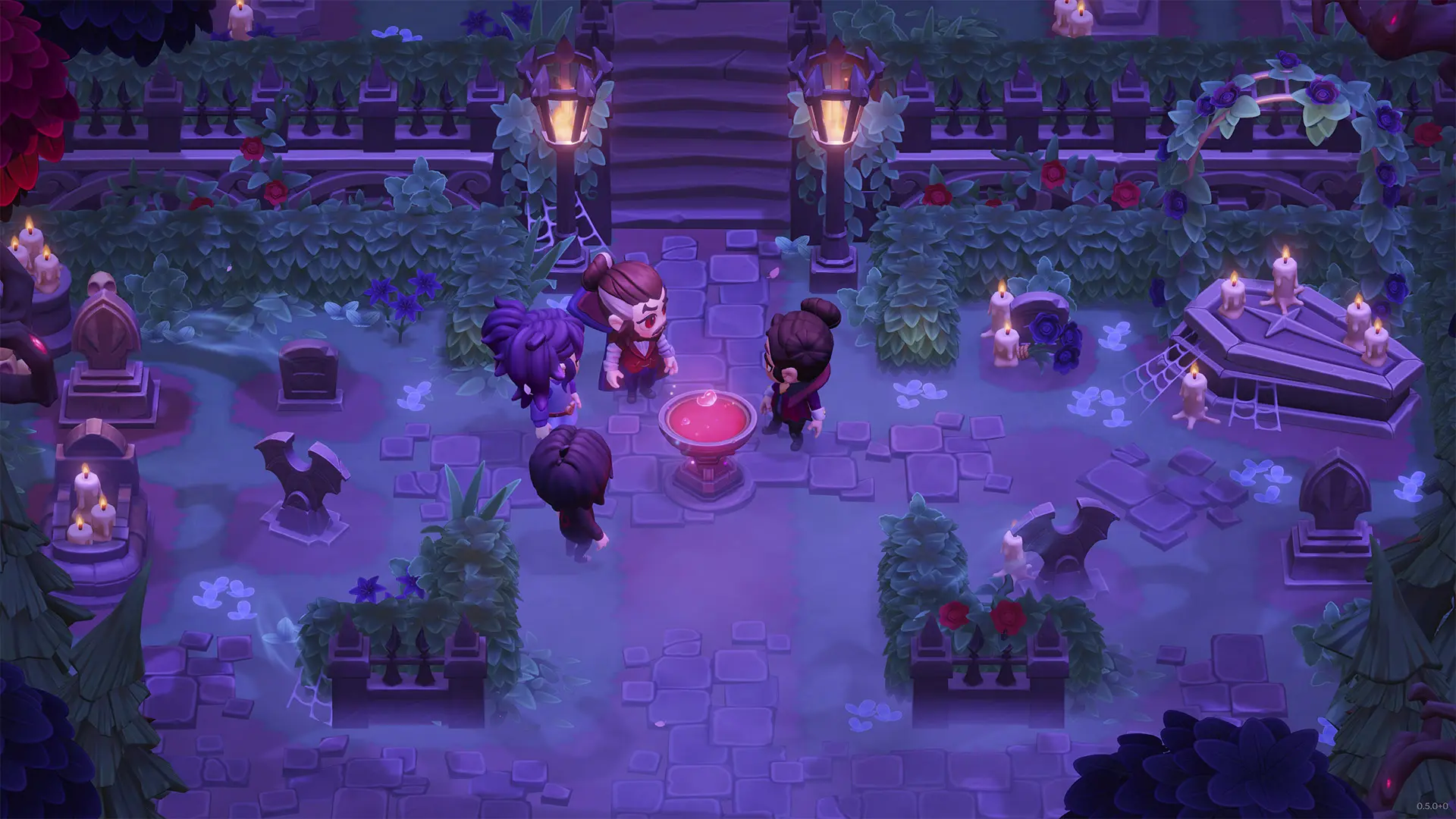
Moonlight Peaks Latest Update & Platform Guide
If an update left a quest, save, loading screen, or achievement stuck, start with the source-checked troubleshooting desk.
Moonlight Peaks launched on Windows PC, macOS, Nintendo Switch, Nintendo Switch 2, and Google Play for Android and Windows. The controls were designed around a controller, but a 60-hour reviewer also reported a good mouse-and-keyboard experience on PC.
Latest status, checked August 2: the newest official PC patch remains 1.1.45 from July 21. No newer Moonlight Peaks patch appears in the official Steam news feed, and the checked publisher pages still do not confirm that Switch and Switch 2 have reached the same version.
Platform Comparison
| Platform | Confirmed notes |
|---|---|
| Windows PC / Steam | Mouse and keyboard supported; controller-first wheels; patch 1.1.45 available |
| macOS / Steam | Apple Silicon requirements listed on Steam |
| Nintendo Switch 2 | Responsive controls; close to PC visually, with rougher anti-aliasing and a lower-looking frame rate in one review build |
| Nintendo Switch | Same controller-oriented interface; long loading times reported in a launch review |
| Google Play — Android | Listed as available on the live Google Play store |
| Google Play Games — Windows | Supported through Google's Windows client; Google lists 10 GB SSD space and 8 GB RAM among its minimums |
| Steam Deck | Controller layout is appropriate, but we do not have a dependable release-build FPS or battery benchmark |
There is no native Linux build in Steam's listings, and the official announcements checked on July 13 do not list PlayStation or Xbox.
Moonlight Peaks Switch Update Status
Quick answer, checked August 2: the official Steam feed lists 1.1.45 for PC, but we found no official announcement confirming that the same version or all of its fixes are live on Nintendo Switch or Switch 2. An earlier official 1.1.38 post explicitly said the Switch update was delayed. Do not use the PC number alone to decide whether a console bug has been fixed.
Nintendo documents the following manual update path for Switch; use the equivalent Software Update option on Switch 2:
- highlight Moonlight Peaks on the HOME Menu without starting it;
- press the + or − Button to open Options;
- choose Software Update;
- choose Via the Internet;
- reopen Options after the check and compare the displayed version with any version named in an official console announcement.
There is currently no verified public ETA for Switch or Switch 2 to match PC 1.1.45. If the console says it is up to date but a PC patch note describes your problem, report the console model and the version shown on that screen rather than saying only “latest.”
Is There an Official Moonlight Peaks APK?
The official Android release is the app listed on Google Play. The publisher pages checked for this guide do not provide a separate APK download link.
Third-party pages using phrases such as “Moonlight Peaks APK” are not official distribution sources. This guide cannot verify their files, update path, account safety, or licensing. Use the Google Play listing for Android; Google Play Games on PC is Google's Windows client and is not an Android APK download.
If Google Play marks the game incompatible with a device, installing an unrelated third-party package does not establish that the device meets the official requirements.
PC and macOS Requirements
Steam lists the following Windows requirements:
| Minimum | Recommended | |
|---|---|---|
| OS | Windows 10 64-bit | Windows 10 64-bit |
| Processor | Intel i3 | Intel i7 / Ryzen 1700+ |
| Memory | 6 GB RAM | 16 GB RAM |
| Graphics | GTX 660 2 GB | GTX 960+ |
| DirectX | Version 10 | Version 10 |
| Storage | 8 GB | 8 GB |
For macOS, Steam lists macOS 14 with Apple M1 and 4 GB RAM as minimum, and macOS 15 with Apple M2 and 8 GB RAM as recommended. Both list 8 GB storage.
PC Patch Status
The latest checked PC version is 1.1.45, released July 21, 2026. It follows version 1.1.44 from July 16 and the larger 1.1.41 update from July 15.
Patch 1.1.45
The official Steam notes focus on progression recovery and farm performance. The update:
- fixes the Loveage Gift Exchange soft lock;
- restores animals that could disappear from Luna's shop after a Pumpkin Head heart event;
- increases Weeping Willow respawns in the Howling Marshes for late-game Dark Wood;
- retroactively triggers Back to the Den after returning every Vampster and advancing one day;
- moves blocked saves past Recover the Moon after the next day begins;
- fixes memory leaks caused by the Bee House and Firefly Sanctuary;
- improves performance with many Farm Helpers, many interactables, or many items picked up together;
- adds a photosensitivity warning and fixes widescreen obstruction in the Star Gazing minigame.
The notes say further Weeping Willow improvements are planned for version 1.2. Treat that as a future fix, not part of 1.1.45.
Patch 1.1.44
The official Steam notes list fixes for:
- save corruption caused by closing the game while saving;
- saves failing to load after a house upgrade;
- crops not growing on rainy nights;
- tree seeds not being plantable in every season and displaying incorrect seasons;
- the Embroidery Table not appearing;
- decorations on tables or shelves remaining in inventory.
This patch fixes a specific exit-during-save corruption path. It does not prove that every missing or damaged save has been repaired, so allow the save indicator to finish before closing the game.
Patch 1.1.41
The preceding PC update improved scene loading, enabled House Storage and Quick Transfer across the whole plot, and fixed several high-impact progression or control problems. The notes include missing save restoration, crops and trees failing to mature, beehive-related indoor performance, gamepad interaction failure, Steam Deck controls switching back to keyboard and mouse, stuck Lovage dialogue, and the Moonlight Ball crowning ceremony taking too long to start.
Version 1.1.38 had already addressed short periodic freezes, slow walking after exiting doors, and a Nokturna “new card” soft lock.
Patch availability can lag on console. Check the version shown by the Switch before assuming a PC fix is already present there.
Switch 2 Experience
Josh's Gaming Garden described the Switch 2 controls and menus as responsive and easy to use. Compared with PC footage, the review build showed less anti-aliasing and appeared to run at a lower frame rate while moving.
That is a qualitative comparison, not a measured FPS test. The old version of this page listed exact 30–60 FPS ranges without benchmark evidence; those numbers have been removed.
Switch Experience
LadiesGamers reported long loading times when entering buildings and moving between areas on Switch 1. The controls themselves fit the game's controller-first design.
Launch patches may change loading and stability. Treat post-patch testing on the exact console model as more authoritative than release-week impressions.
Steam Deck
Moonlight Peaks has been demonstrated on Steam Deck, and its controller UI is a natural fit. We have not found a controlled release-build test supporting the former claims of a fixed 40 FPS profile, 6 W TDP, 800 MHz GPU, or five-hour battery life, so those recommendations have been removed.
Sources
- Official Steam store — Windows/macOS features and requirements.
- Marvelous USA platform announcement — official platform scope.
- Google Play store — Android and Windows availability and Windows requirements.
- Nintendo Switch store and Switch 2 store — platform features and file sizes.
- Official patch 1.1.38 announcement — PC availability and the stated Switch delay.
- Nintendo Support — How to Update Software on Nintendo Switch — HOME Menu and Via the Internet update path.
- Official Steam patch 1.1.41 notes — loading, storage, save restoration, crops, controls, events, and interaction fixes.
- Official Steam patch 1.1.44 notes — save, house-upgrade, rainy-crop, tree-seed, and decoration fixes.
- Official Steam patch 1.1.45 notes — quest recovery, farm-helper performance, Firefly Sanctuary memory leak, Dark Wood, and event fixes.
- Josh's Gaming Garden — review after 60 hours, Switch 2 comparison at 19:47–20:20.
- LadiesGamers — review, Switch 1 loading observations.
Related: Controls & Settings · Release & Patch Guide · Beginner Guide
Calculate Yields, Gifts & Alchemy in Seconds
Use our client-side calculators for 28-day crop profits, 2-way gift reactions, and cauldron mana costs.
📖Related Guides & Walkthroughs
View All 40+ Guides →Moonlight Peaks Reviews & Release Guide — Price & Patch 1.1.45
Moonlight Peaks review scores and first impressions plus price, platforms, demos, and the latest confirmed PC patch 1.1.45 status.
60 Moonlight Peaks Farm Name Ideas & Naming Tips
Choose from 60 vampire, witchy, werewolf, gothic, cozy, and punny Moonlight Peaks farm names, plus what the game asks you to name and rename evidence.
Moonlight Peaks Howling Marshes Location, Map & Secret Routes
How to reach Howling Marshes in Moonlight Peaks: map directions, Yabbies fishing spots, the cave north of Yabbies, Dark Wood willows & full moon events.