
Compare Moonlight Peaks portrait style 1 vs 2: mature gothic lines vs softer anime expressions, plus in-game settings toggle and custom portrait modding.
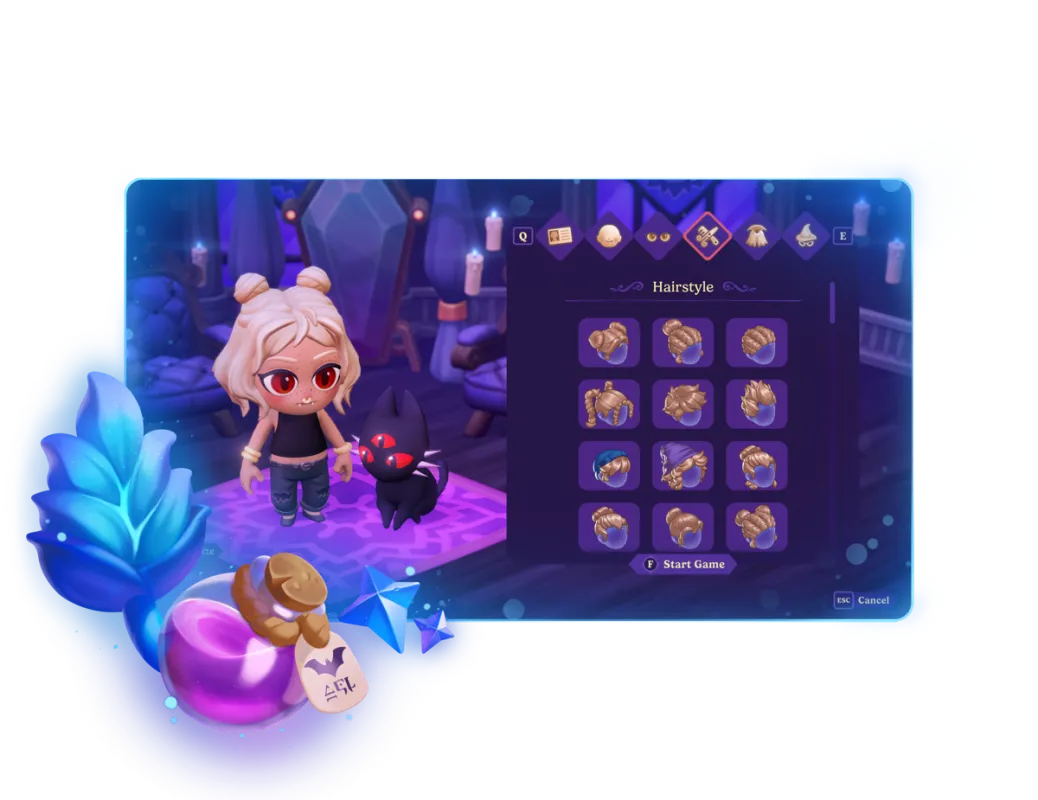
Moonlight Peaks Portrait Style 1 vs 2: Differences & How to Switch
Quick Answer:
- How to switch styles: Press
Esc(or+on Nintendo Switch), open Settings → Gameplay → Portrait Style, and toggle between Style 1 and Style 2. You can swap at any time during gameplay without restarting your save. - Style 1 (Original Gothic): Features sharper facial contours, dramatic shadows, prominent cheekbones, and a mature gothic supernatural tone.
- Style 2 (Soft & Cozy): Features rounded faces, softer blushes, larger expressive eyes, and a lighter cozy anime aesthetic.
How to Change Portrait Style in Moonlight Peaks
Moonlight Peaks includes alternate 2D portrait art directly in the base game. Switching between portrait sets is completely free and reversible:
- Open the game menu (Esc on PC keyboard, Menu / Start on controller).
- Select the Settings cog icon.
- Navigate to the Gameplay tab.
- Locate the Portrait Style option near the top of the menu.
- Click or cycle between 1 and 2.
- Close the menu — dialogue boxes with all 23 romance candidates and town residents update instantly.
Art Comparison: Style 1 vs Style 2
The development team at Little Chicken collaborated with 2D character artists to provide two distinct aesthetic treatments for the town's supernatural bachelors, bachelorettes, and elders:
| Feature | Portrait Style 1 (Gothic Classic) | Portrait Style 2 (Cozy Anime) |
|---|---|---|
| Overall Aesthetic | Dark fantasy, dramatic, angular | Warm, soft-shaded, rounded chibi-influenced |
| Linework | Crisp, detailed outlines with sharp corners | Softer linework with rounded edges |
| Shading & Tone | Deep mood lighting, cinematic contrast | Gentle pastel blushes, even lighting |
| Bachelors (e.g. Orlock, Evan) | Sharp jawlines, brooding expressions | Softer smiles, boyish charm |
| Bachelorettes (e.g. Mina, Alina) | Sleek vampire elegance, piercing gaze | Sweet, friendly, approachable features |
| Non-Human NPCs (e.g. Death) | Mystical, imposing, eerie presence | Charming, quirky, playful character design |
Community Impressions: Which Should You Pick?
Neither portrait set changes dialogue lines, heart point values, or quest progression:
- Pick Style 1 if: You prefer atmospheric gothic horror, classic vampire lore like Castlevania or Dracula, and sharper visual contrast that matches the midnight lighting of Moonlight Peaks.
- Pick Style 2 if: You enjoy cozy farming sims like Rune Factory or Story of Seasons, softer romantic tones, and less intimidating NPC expressions.
Custom Portraits & Modding (Style 3+)
For PC players on Steam, Moonlight Peaks supports custom portrait replacement through BepInEx and Unity asset hooks:
- The game engine internally reads
AppSettingsLibrary.Instance.PortraitStylethroughPortraitStyleAssetdefinitions. - Modders can install community portrait packs via Nexus Mods to add custom fan-created art or restore early demo sketches.
- To learn how to install mods and texture packs safely, consult our Moonlight Peaks PC Modding Guide.
Related Guides & Resources
- Character & Romance Guide — Heart thresholds, 23 candidates, dating activities, and wedding routes.
- 2-Way Gift & Romance Finder — Match every character's loved items and avoid dislikes.
- Controls & Settings Guide — Keybindings, performance settings, and display modes.
Calculate Yields, Gifts & Alchemy in Seconds
Use our client-side calculators for 28-day crop profits, 2-way gift reactions, and cauldron mana costs.
📖Related Guides & Walkthroughs
View All 40+ Guides →How to Save — Controls & Settings
Moonlight Peaks saves when you sleep in the farmhouse coffin. Learn whether there is manual save, what happens at sunrise, and which control settings matter.
How to Plant Seeds & Flowers in Moonlight Peaks
Plant regular seeds with the Shovel and Watering Can, learn why magical crops need Aquaflux, use Herb Gardens, and fix seeds that will not plant or grow.
Moonlight Peaks Main Quest Progression: Complete Order & Fixes
Source-checked overview of all 42 main story quests in Moonlight Peaks, major unlocks, documented prerequisites, and ways to unblock stuck quest chains.